
You can view the projected pay for a line under TA2026 by selecting TA2026 CH in the header selection box. You access that by right-clicking on the header of a line.
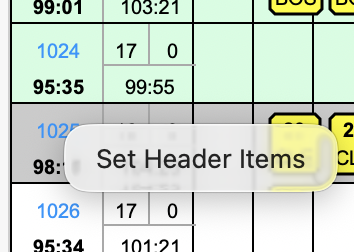
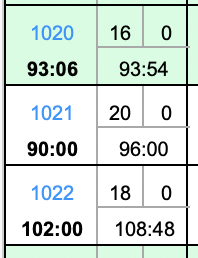
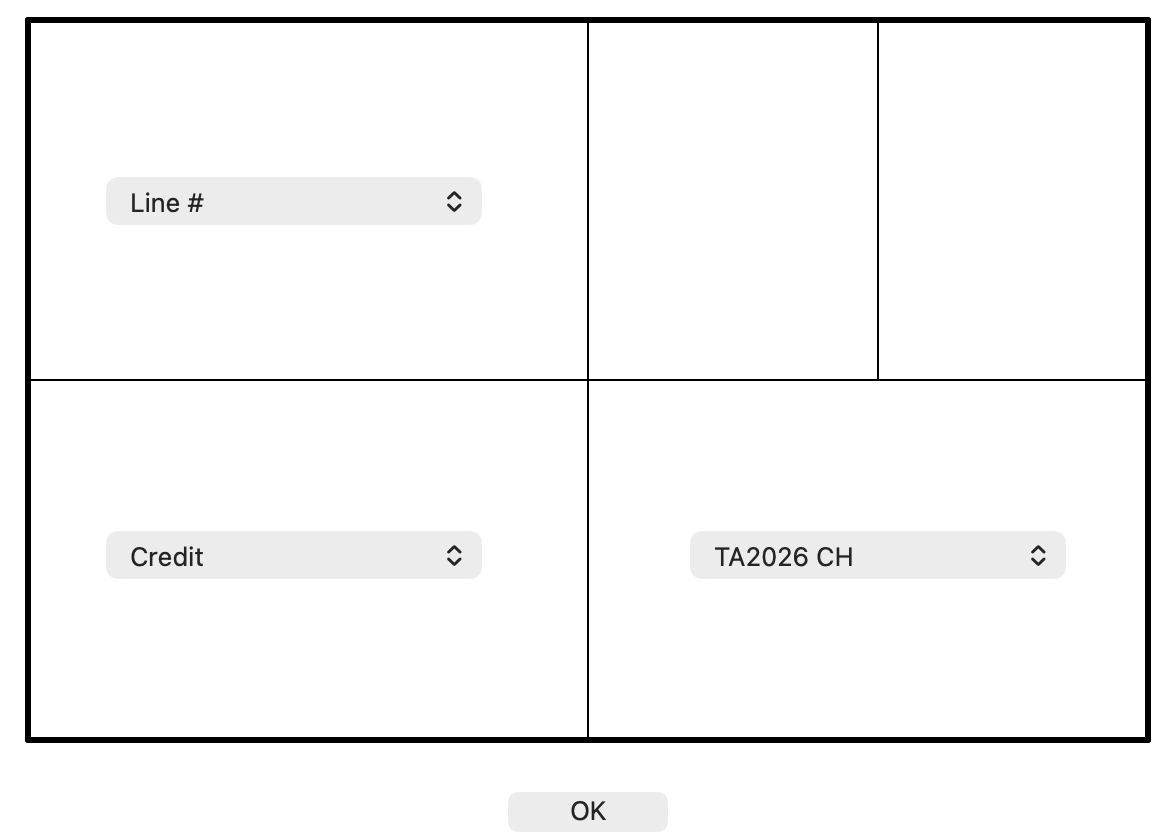
You can also sort by the Amount Extra or by the new Total CH using the Sorts. If you sort by TA2026 Extra, then the lines with the most added pay will be sorted to the top. If you choose TA2026 CH, then the lines with the most pay using TA2026 Rigs will sort to the top. These are not the same as True Pay (which shows BKO8). These just show the affects of the TA2026 Trip Rig changes.
Disclaimer - I've done by best to check these values for accuracy, but I don't 100% guarantee these numbers are correct.
Obvious Disclaimer - These are only applicable if TA2026 ratifies.
Disclaimer - I've done by best to check these values for accuracy, but I don't 100% guarantee these numbers are correct.
Obvious Disclaimer - These are only applicable if TA2026 ratifies.